Laravel Application Installer Package
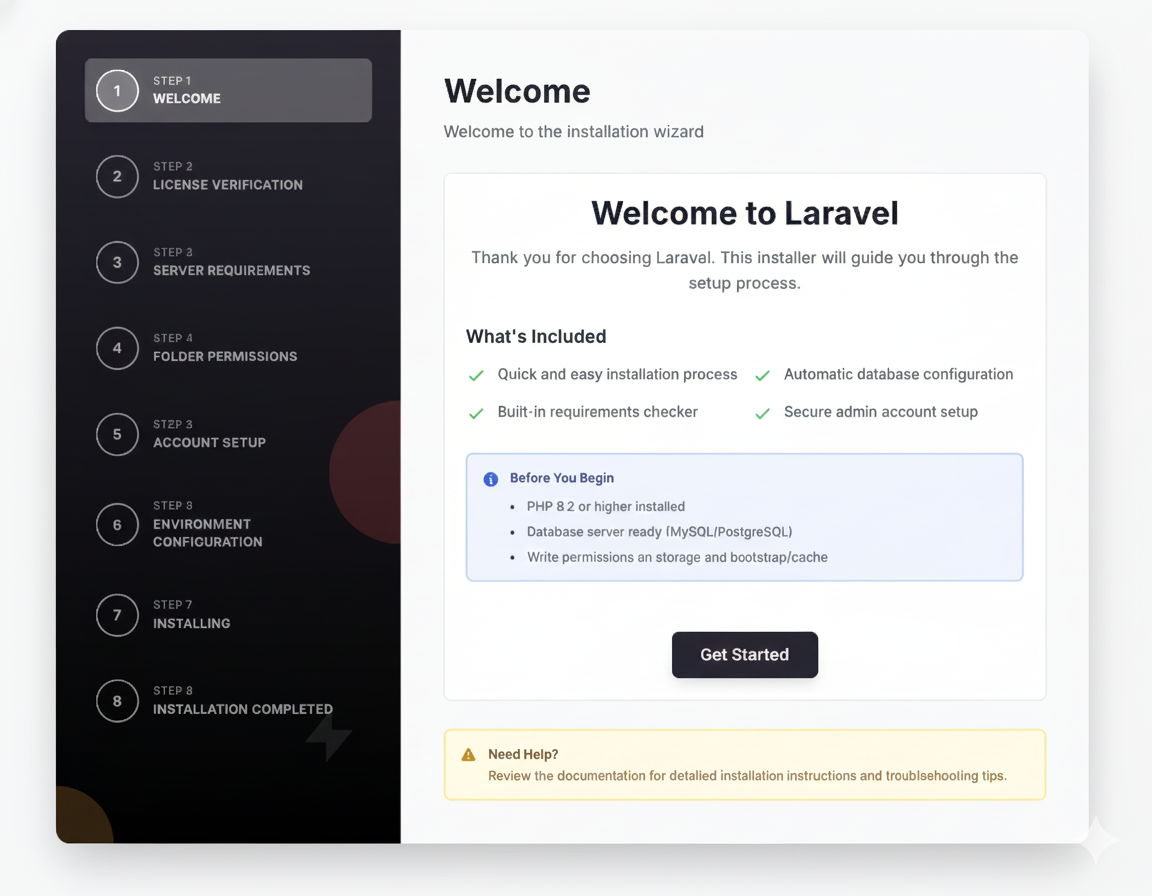
The Laravel Installer package by Olakunle provides a flexible, plugin-based installation wizard for Laravel 12+ applications. Instead of forcing users to manually edit .env files or run terminal commands, this package allows you to offer a polished "Next, Next, Finish" setup experience.
It is built with the TALL stack (Tailwind, Alpine, Livewire, Laravel) and features a modern, dark-mode ready design.
Key Features
- Plugin Architecture: Extend the installer with official packages or custom steps.
- Requirements Check: Automatically verifies PHP version and extensions.
- Permissions Check: Ensures critical folders like
storageandbootstrap/cacheare writable. - Environment Setup: A GUI for configuring App, Database, and Mail settings.
- Zero-Config: Works out of the box with sensible defaults.
- Livewire 3: Uses the latest Livewire for a smooth, single-page-app feel.
- Dark Mode: Fully supports dark mode natively.
Usage
You can install the package via Composer:
composer require olakunlevpn/laravel-installer
After installing, publish the configuration file to customize your steps:
php artisan vendor:publish --tag=laravel-installer-config
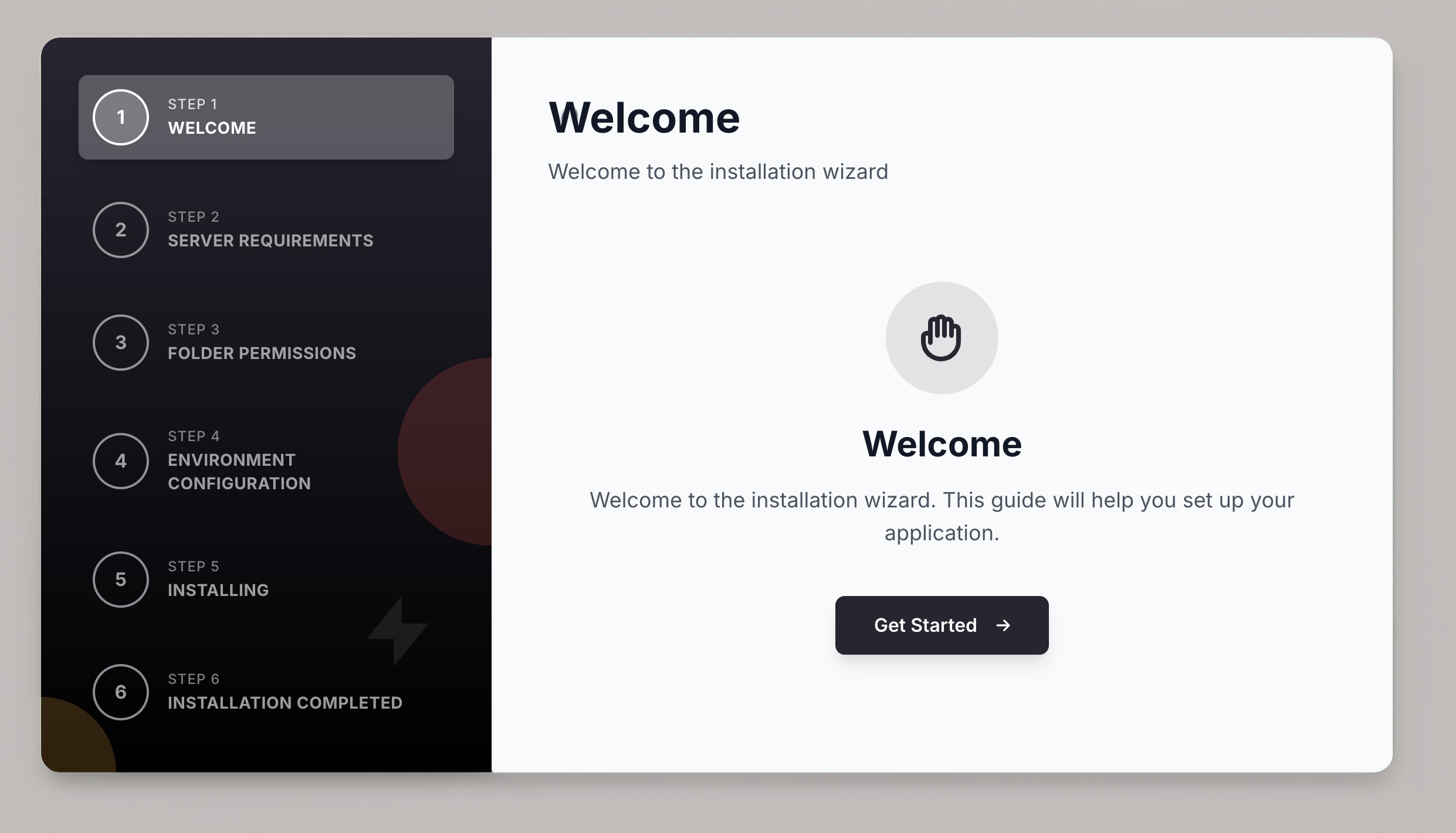
You can then define the flow of your installation wizard in config/installer.php. Here is an example of a standard setup flow:
'steps' => [
    \Olakunlevpn\Installer\Steps\WelcomeStep::class,
    \Olakunlevpn\Installer\Steps\RequirementsStep::class,
    \Olakunlevpn\Installer\Steps\PermissionsStep::class,
    \Olakunlevpn\Installer\Steps\EnvironmentStep::class,
    \Olakunlevpn\Installer\Steps\InstallingStep::class,
    \Olakunlevpn\Installer\Steps\CompletedStep::class,
],
The package is designed to be "framework aware," meaning it handles validation intelligently. For example, it won't attempt to validate database rules like unique:users before the database connection is even established.
Plugins
The installer can be extended with official plugins to add more functionality:
- Welcome Plugin: A branded landing page for your installer.
- License Verification: Verify purchase codes via an API (great for Envato authors).
- Account Setup: Create the initial admin user as part of the installation process.
Learn More
To get started with the Laravel Installer, check out the official documentation. You can also view the source code on GitHub to see how it works or contribute.